Upload a flat-lay, hanger, or mannequin photo of your garment and describe the model and setting you want. The AI generates a photorealistic model wearing your exact product.
Before / After
Example results
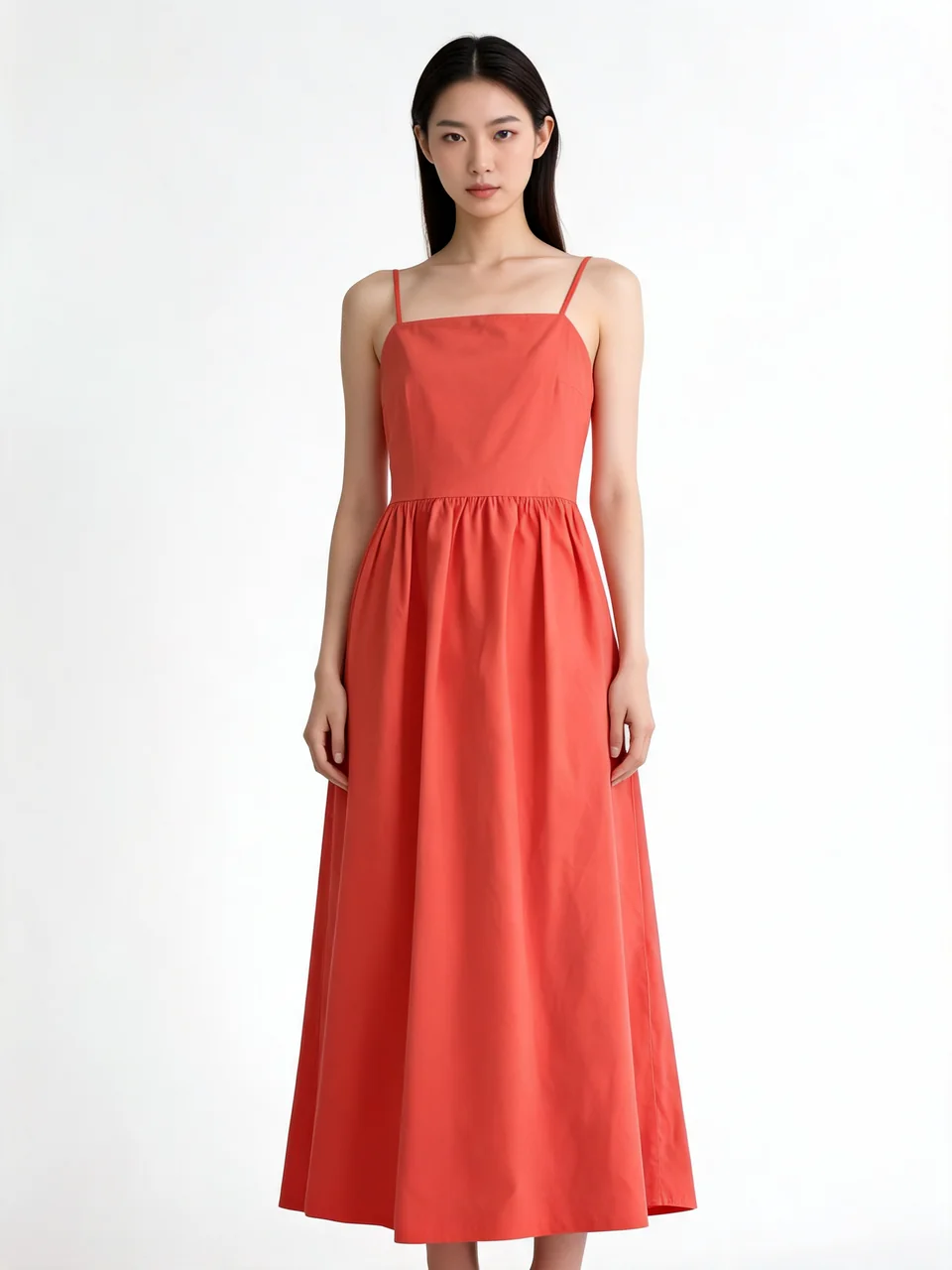
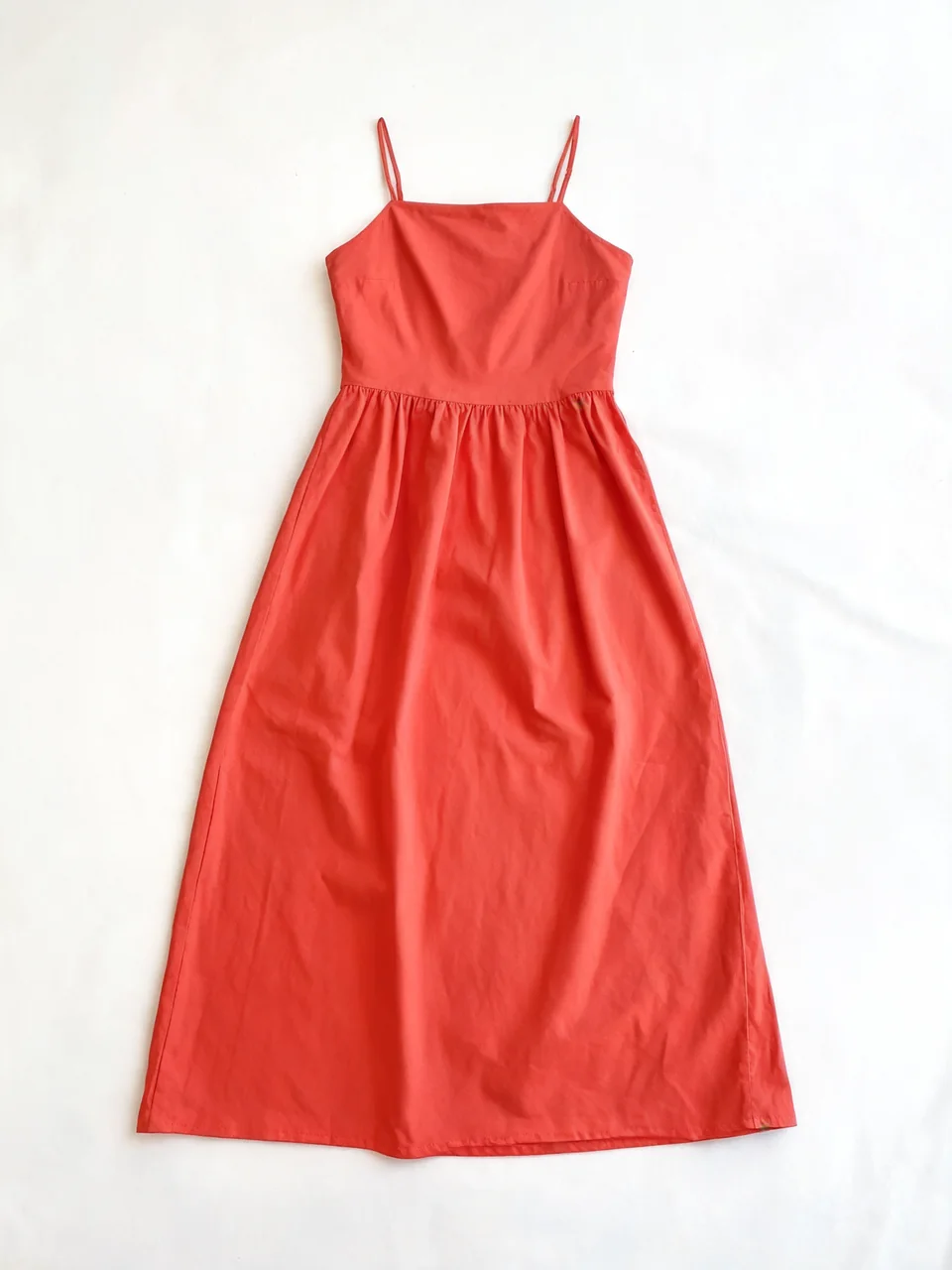
Drag to compare
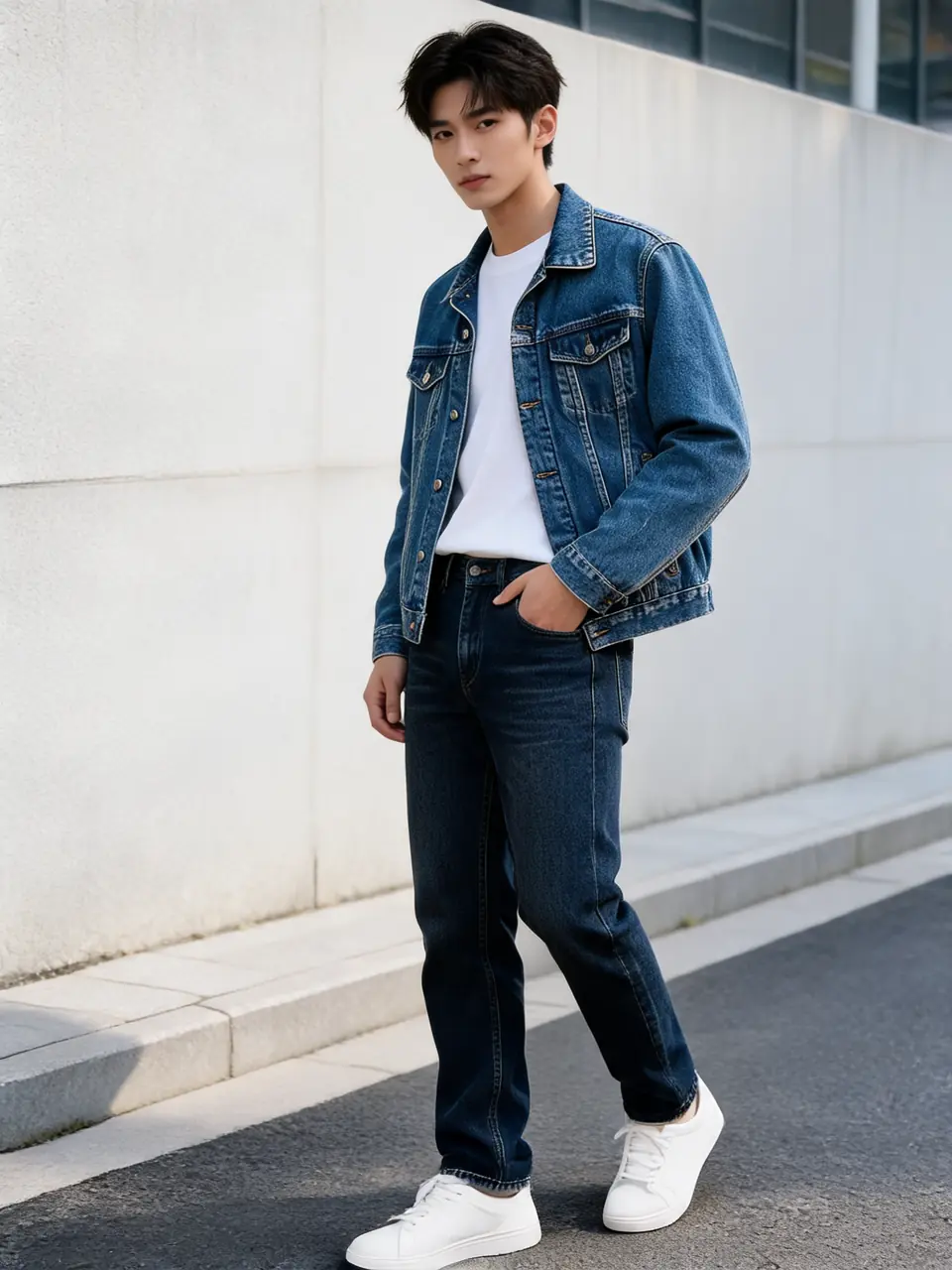
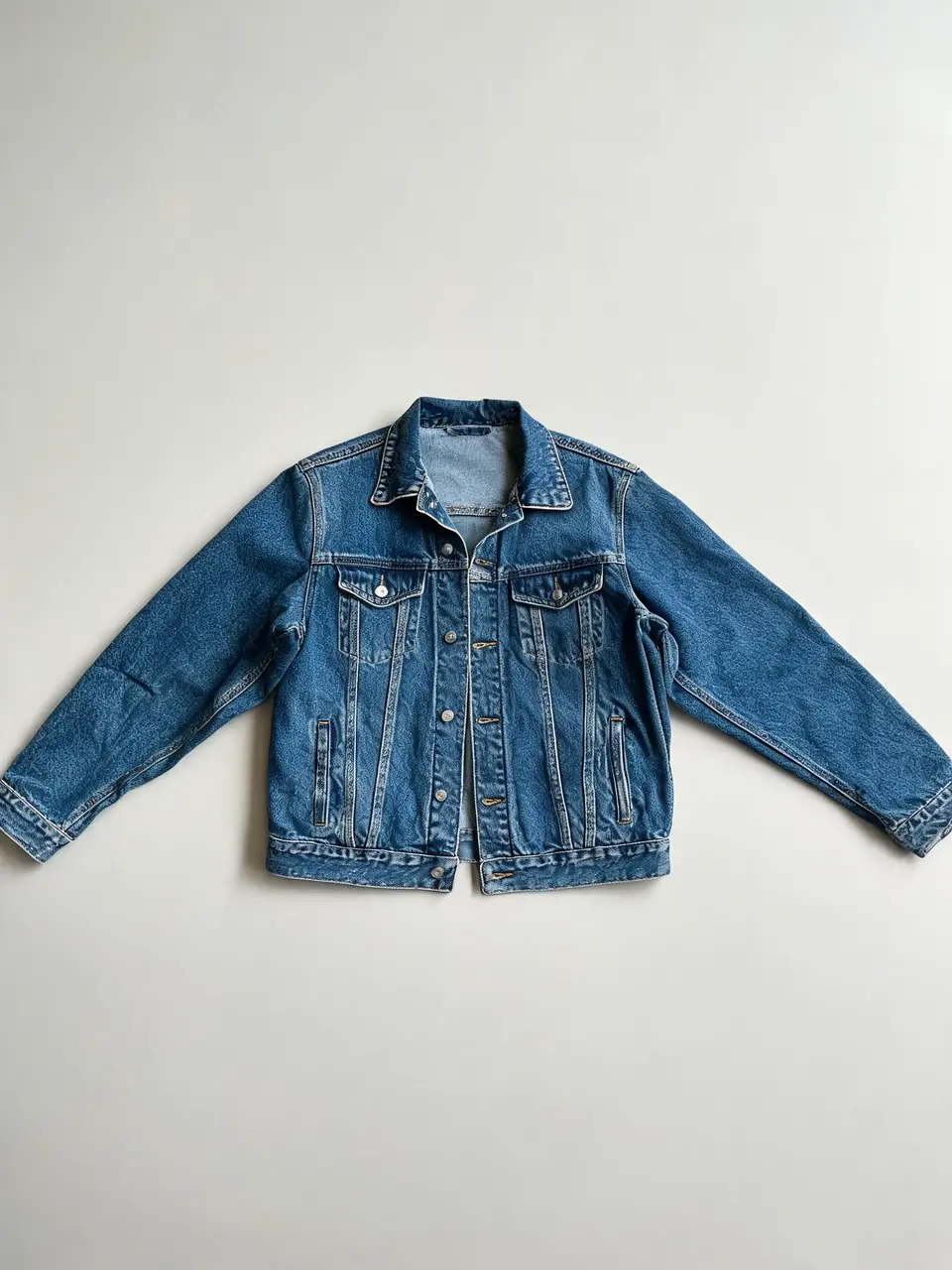
Drag to compare
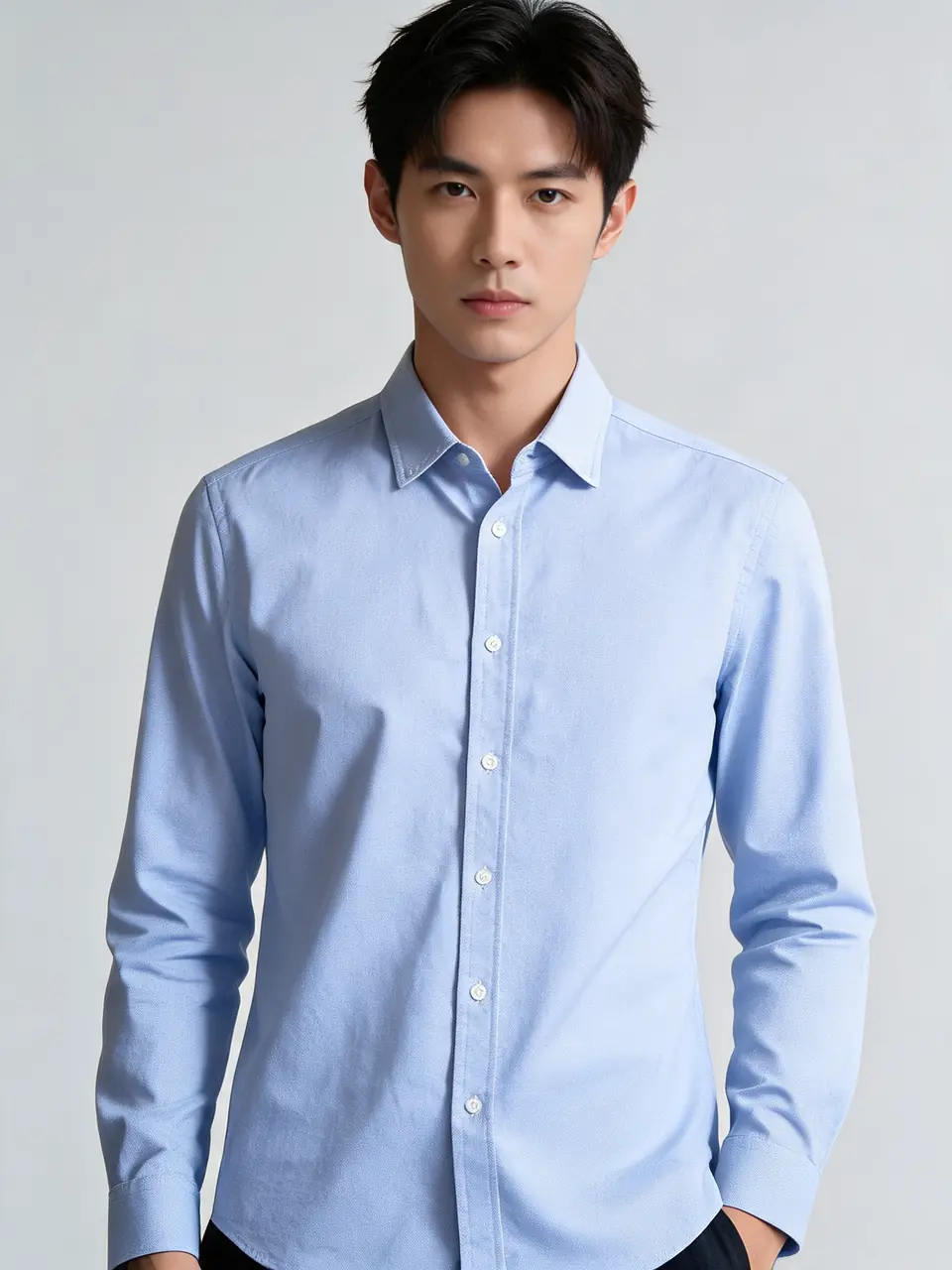
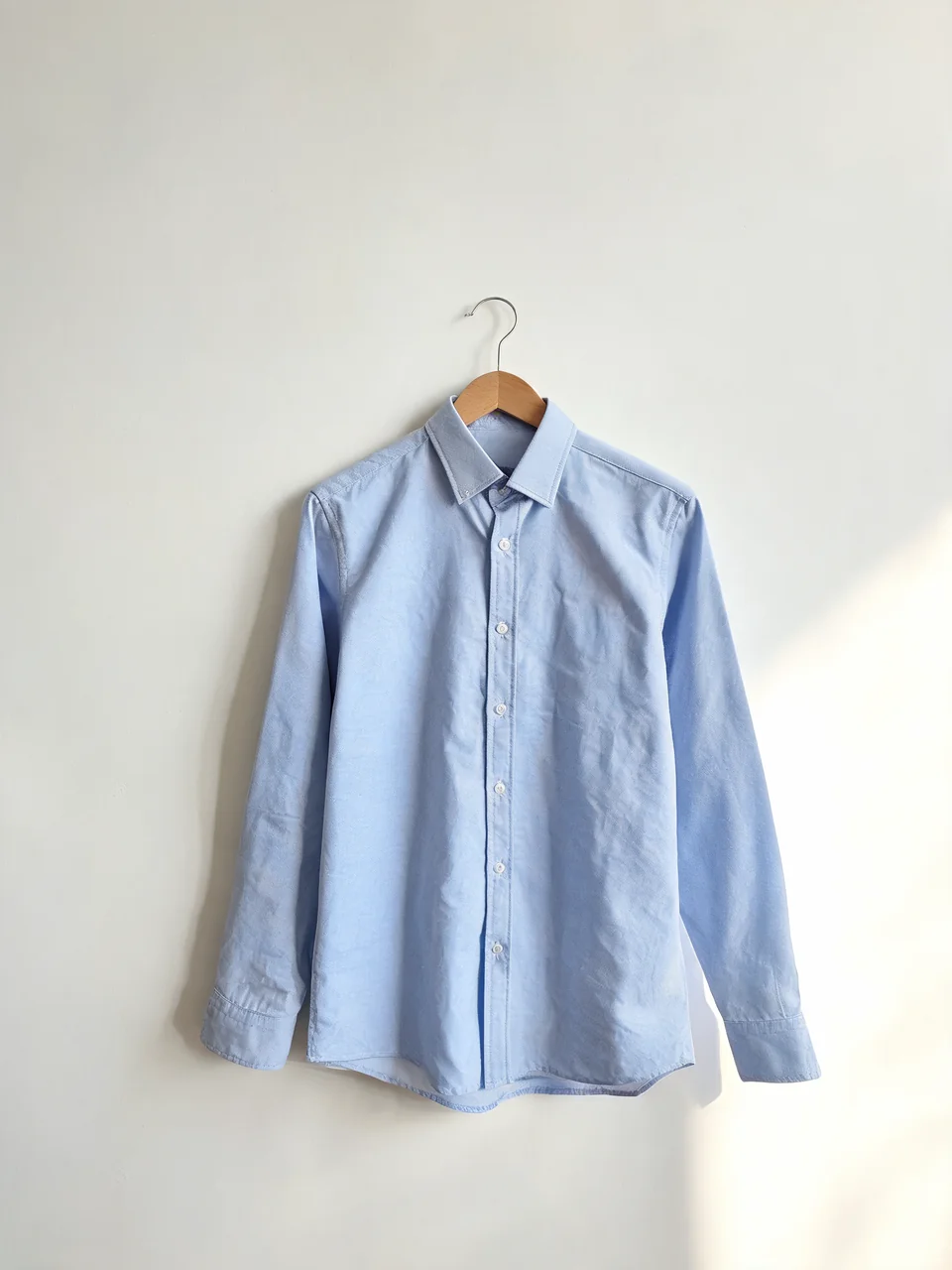
Drag to compare
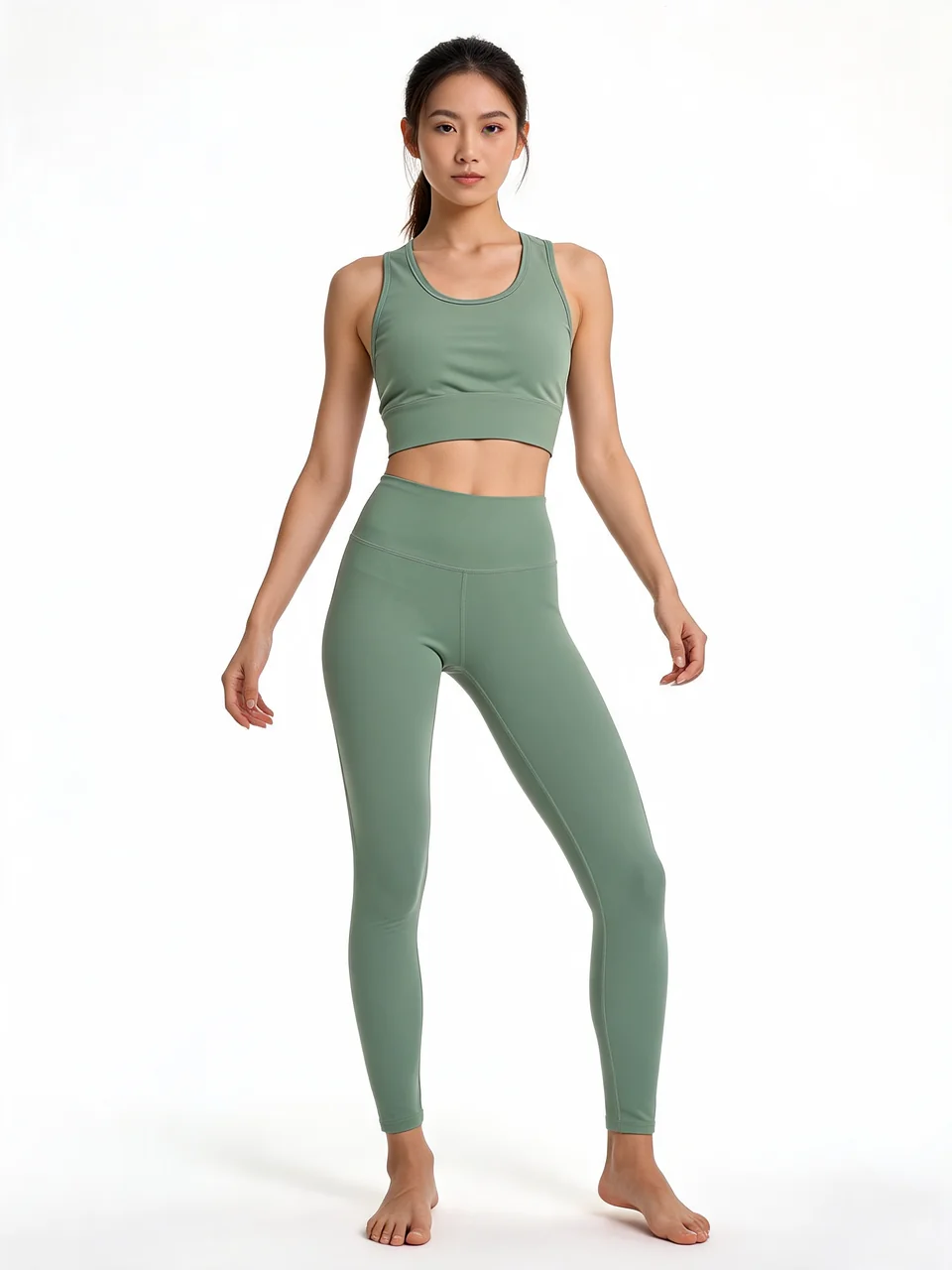
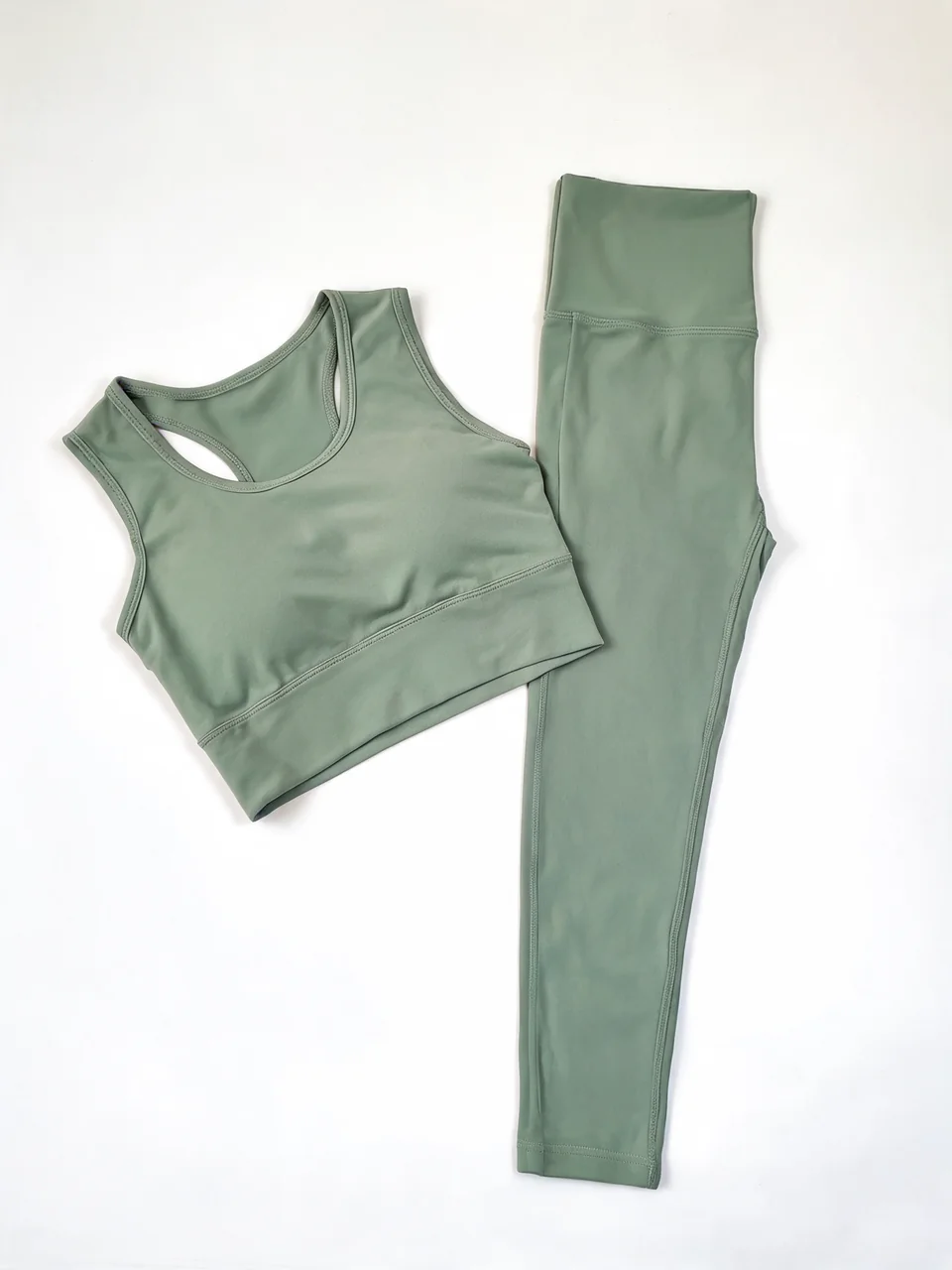
Drag to compare
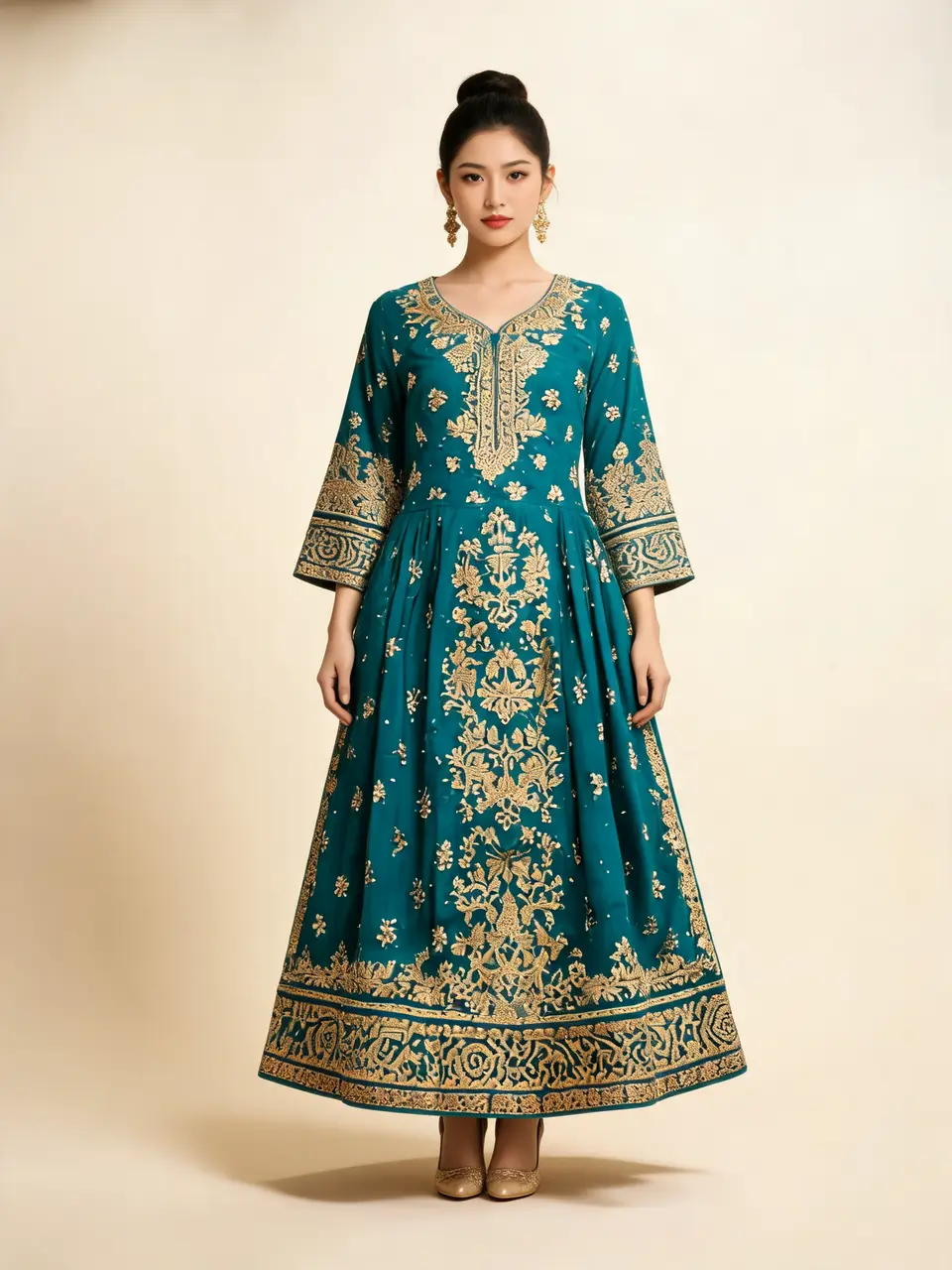
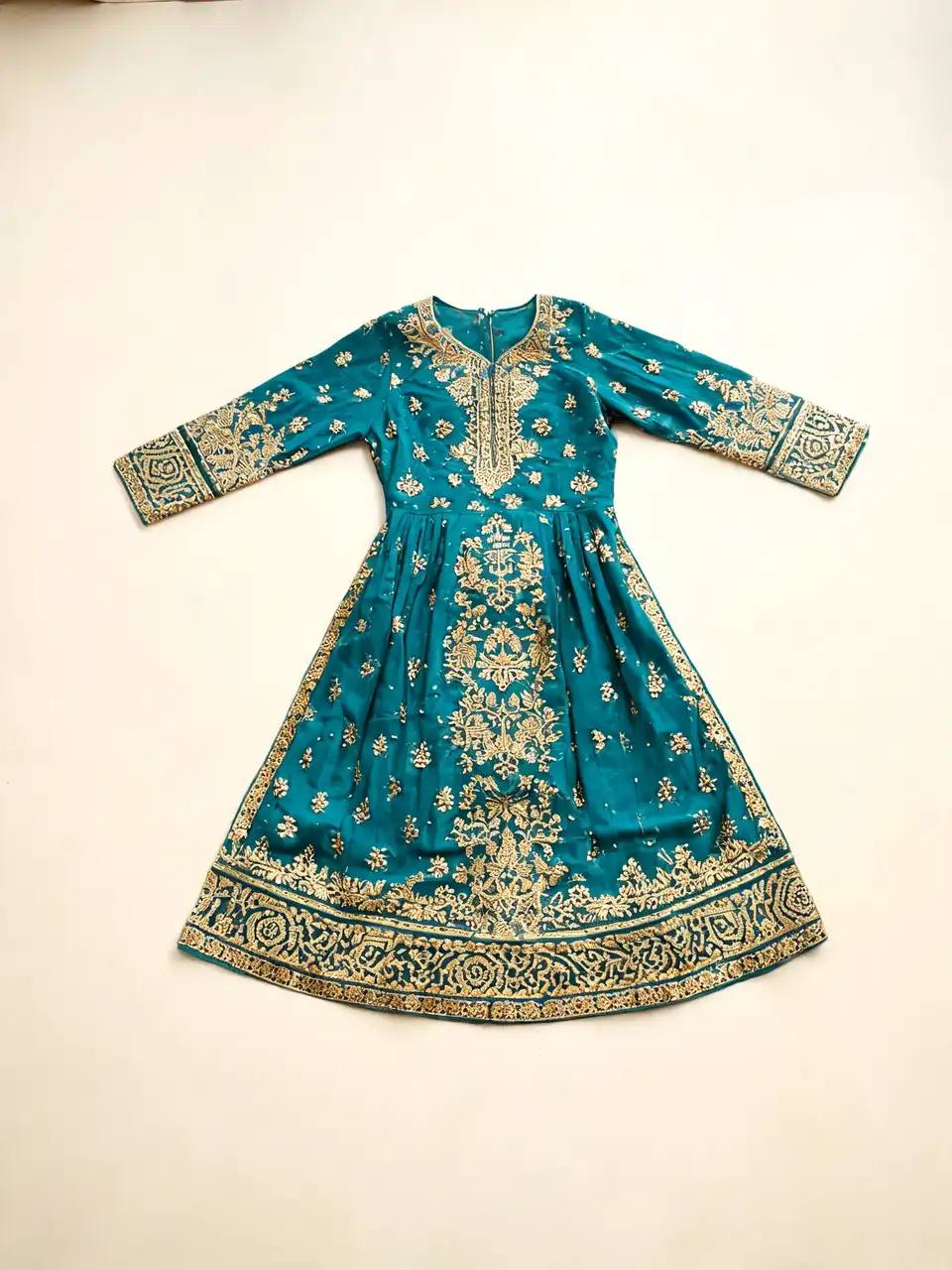
Drag to compare
Real, unretouched output from this tool. Drag any slider to compare.
Turn a flat-lay, hanger, or mannequin photo of your garment into an on-model product photo in seconds. Describe the model, pose, and setting you want — the AI renders your exact product on a photorealistic fashion model, ready for your store.
How the AI fashion model generator works
Upload one clear photo of your product — a flat lay on a plain background, a hanger shot, or a mannequin photo all work. Then write a short brief: the kind of model, the pose, the background, the mood. The AI generates a photorealistic model wearing your exact garment, preserving its cut, color, pattern, and fabric texture.
There is no demo call, no onboarding project, and no minimum volume. You start in the browser with free credits and download your first on-model photo in under a minute.
1
Upload your product photo
JPG, PNG, or WebP. Flat lays and ghost-mannequin shots give the cleanest garment transfer. Even lighting keeps fabric color accurate on the model.
2
Describe the model and scene
Model style (studio, street style, editorial), pose, background, and lighting are all set by plain-language prompt — for example "athletic female model, three-quarter pose, clean studio background, soft light".
3
Generate variations
Run the same product photo with different briefs to build a consistent set: front view for the listing, three-quarter for the gallery, lifestyle background for social.
Model diversity on your terms
Because the model is described in the brief rather than picked from a fixed library, you control representation directly: body type, age range, skin tone, styling, and setting. Show the same dress on different models to serve different markets, or keep one consistent model look across your whole catalog by reusing the same brief.
Built for e-commerce sellers
🏠
Shopify and Amazon listings
✓Generate on-model photos for every product without booking a photoshoot for each drop.
✓Show the same garment in multiple colorways and on multiple models from one upload.
💡
Lookbooks and social
✓Editorial-style shots from the same product photos that power your listings.
✓Refresh seasonal creative without re-shooting inventory you already photographed.
🏢
Small brands and resellers
✓Photograph products on a table, get model imagery the same day.
✓Test which model style converts best before committing to a brand direction.
Every workflow in one tool
The generator covers the full on-model production cycle, in the browser, with no demo call:
1
Flat-lay to model
Turn a flat-lay, hanger, or mannequin product photo into an on-model shot that keeps the garment's exact cut, color, pattern, and fabric texture.
2
Pose sets with a consistent model
Re-run the same model and garment in new poses — standing, three-quarter, seated, walking, editorial — to build a matching set for your listing gallery.
3
Virtual try-on
Upload a garment and a photo of a real person to see them wearing it, with their face, body, and pose preserved.
4
Model to mannequin
Convert an on-model photo into a clean ghost-mannequin product shot for marketplaces that require garment-only imagery.
What photos give the best results
The AI transfers what it can see. A sharp, front-facing, fully-visible garment on a plain background produces the most faithful on-model render. Busy backgrounds, heavy folds that hide the silhouette, or motion blur reduce accuracy. For prints and embroidery, upload the highest resolution you have — fine pattern detail carries through at 2K output.