AI video for ecommerceproduct ads in 2026
Static product shots still sell, but motion wins the scroll. Here is the workflow I use to turn one packshot into ad clips for Meta, TikTok, and Shopify without a film crew.
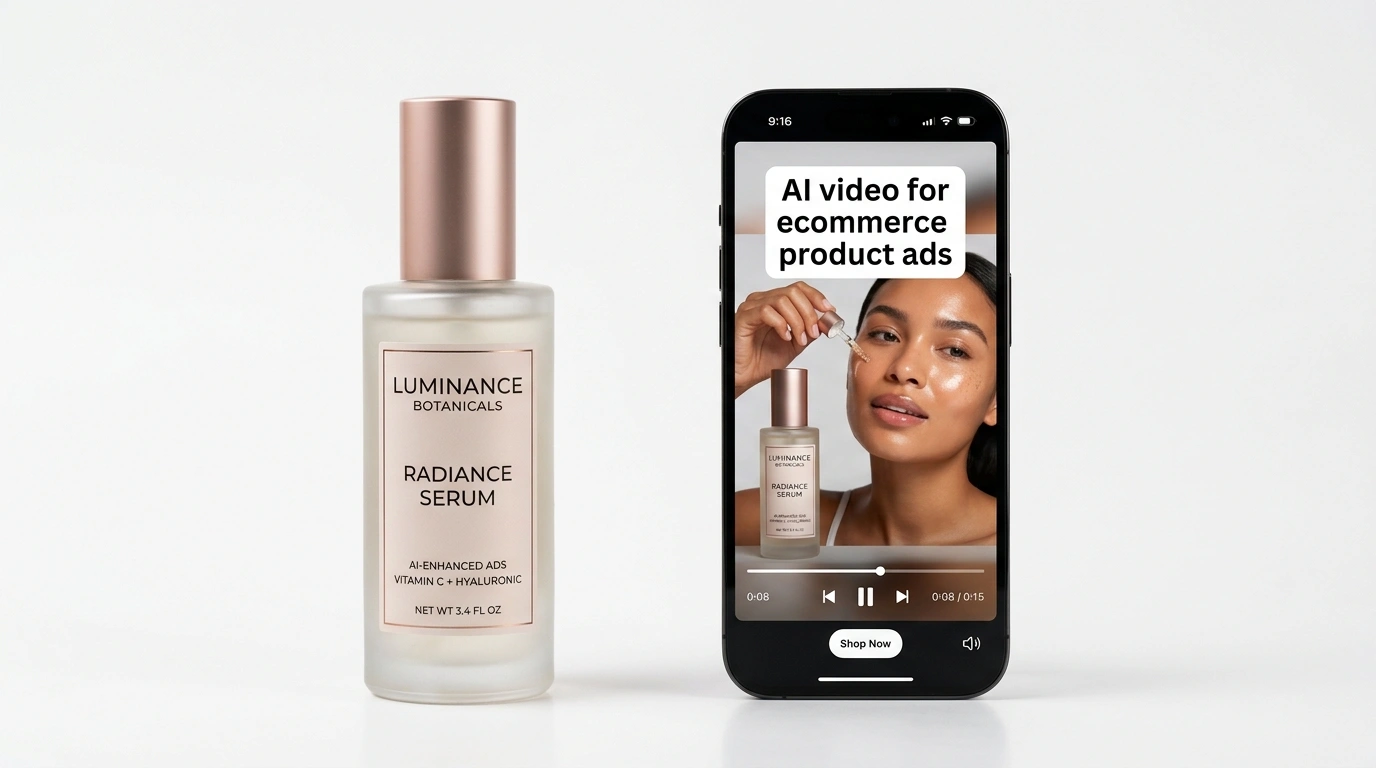
Product ads used to mean a videographer, a tabletop set, and three days in editing. In 2026 you can start from a PNG on white, add motion in under ten minutes, and ship variants for every placement. The catch is not the button. It is the prep. Bad source files and wrong aspect ratios waste more ad spend than weak models.
When I helped a friend launch a skincare line last quarter, we had twelve SKUs and zero video budget. We animated packshots in AITWO's video tool, paired silent loops with UGC hooks from AITWO UGC, and split tests by model instead of by production day.
This guide sits in our video cluster after the Runway vs AITWO comparison. Read that if you are still picking a platform. Below is the ecommerce-specific workflow.
What you need before you generate
Start with a sharp product image at least 1500 pixels on the long edge. White or soft gray backgrounds animate cleanly. Busy lifestyle photos work for brand films, but packshots give you the most control for paid social.
- One master PNG per SKU with consistent lighting
- Brand colors written down as hex codes for prompt copy
- A short list of allowed motions (slow spin, push-in, hand reveal)
- Target placements written down (9:16 Reels, 1:1 feed, 16:9 YouTube)
I export labels and nutrition panels as separate layers when possible. AI sometimes smears small text on glass bottles. If the label matters legally, keep text out of the motion zone or overlay real copy in post.
Workflow from photo to ad clip
Step 1. Upload the packshot to image-to-video. Our photo-to-video tutorial covers camera language that actually works.
Step 2. Write a tight motion prompt. Example: "slow 15-degree product rotate on matte white, soft studio light, no hands, no text distortion." Long prompts with story beats confuse product jobs.
Step 3. Generate on a fast model first, then rerun the winner on a higher-quality model. Same trick we describe in text-to-video basics.
Step 4. Export three aspect ratios from the best render. Trim to 6 to 12 seconds for cold ads. Add captions and CTA cards in your editor, not inside the generator.
Step 5. Upload to Meta, TikTok, or Shopify video fields. Name files by SKU and ratio so media buyers do not grab the wrong cut.
Models and formats that work on shops
| Placement | Ratio | Length | Motion style |
|---|---|---|---|
| Meta feed | 1:1 or 4:5 | 6 to 15 sec | Slow push-in, subtle spin |
| TikTok / Reels | 9:16 | 8 to 20 sec | Hand reveal, unbox motion |
| Shopify product page | 1:1 | 5 to 10 sec loop | Seamless loop, no hard cut |
| YouTube pre-roll | 16:9 | 15 to 30 sec | Lifestyle context plus product hero |
Kling tends to handle bottles and boxes without melting edges. Hailuo is useful when you need ten fast drafts for split tests. Compare engines in the model comparison guide if you sell high-end goods where physics matter on screen.
Mistakes I see on first tries
- ✗Wrong ratio first. A 16:9 master cropped to 9:16 cuts off the label every time. Set vertical before you spend credits.
- ✗Too much motion on glossy packaging. Reflections turn into liquid metal. Keep moves slow until you have a winner.
- ✗One model, one take. The best shops in our tests run at least three models on the same SKU, then promote the winner.
- ✗Silent feed ads with no hook. Pair product loops with a voice or UGC opener when CTR drops. See best AI UGC video generator for that layer.
For tool picking across brands, the ranked generator list still helps when you need Runway-level control on hero spots and AITWO for daily SKU volume. Selling property instead of products? The same photo-to-video workflow applies to real estate listing videos.
Turn your catalog photos into ad clips
Upload a packshot, pick a model, and export loops for Meta, TikTok, and Shopify. Pair with UGC when you need a talking hook.