AI fashion models for any garment — no studio, no shoot
Turn a flat-lay or product photo into a photo-realistic AI garment photoshoot: fashion models, virtual try-on, jewelry, footwear and ecommerce product shots — all from one photo.
Free to try · 6 free credits on signup · results in seconds
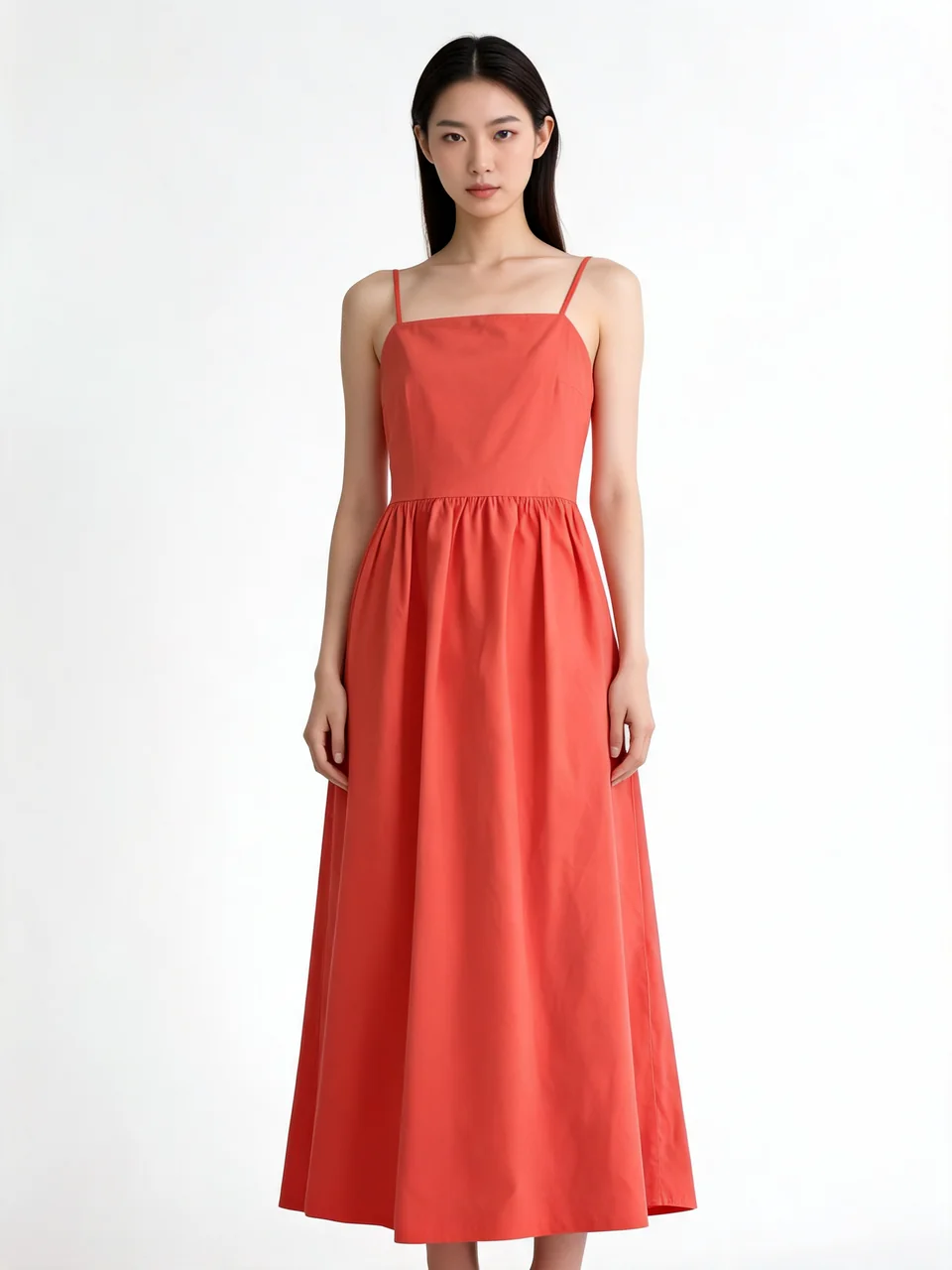
Real output — AI Fashion Models
Apparel on Models
Put any garment on a photo-realistic AI fashion model — no photoshoot required.
Product & Ecommerce Photography
Studio-grade product photography for online stores — flat lays, ghost mannequin, lookbooks.
Jewelry & Accessories
Rings, necklaces, earrings and more, shot on AI models or as clean product photography.
Try-On & Colour
See a garment on yourself or a model, and try any colour, before you buy or list it.
Footwear
Sneakers to stilettos, on a model or as clean product photography.
Real results
Every image below is genuine tool output from a real uploaded photo — no mockups.
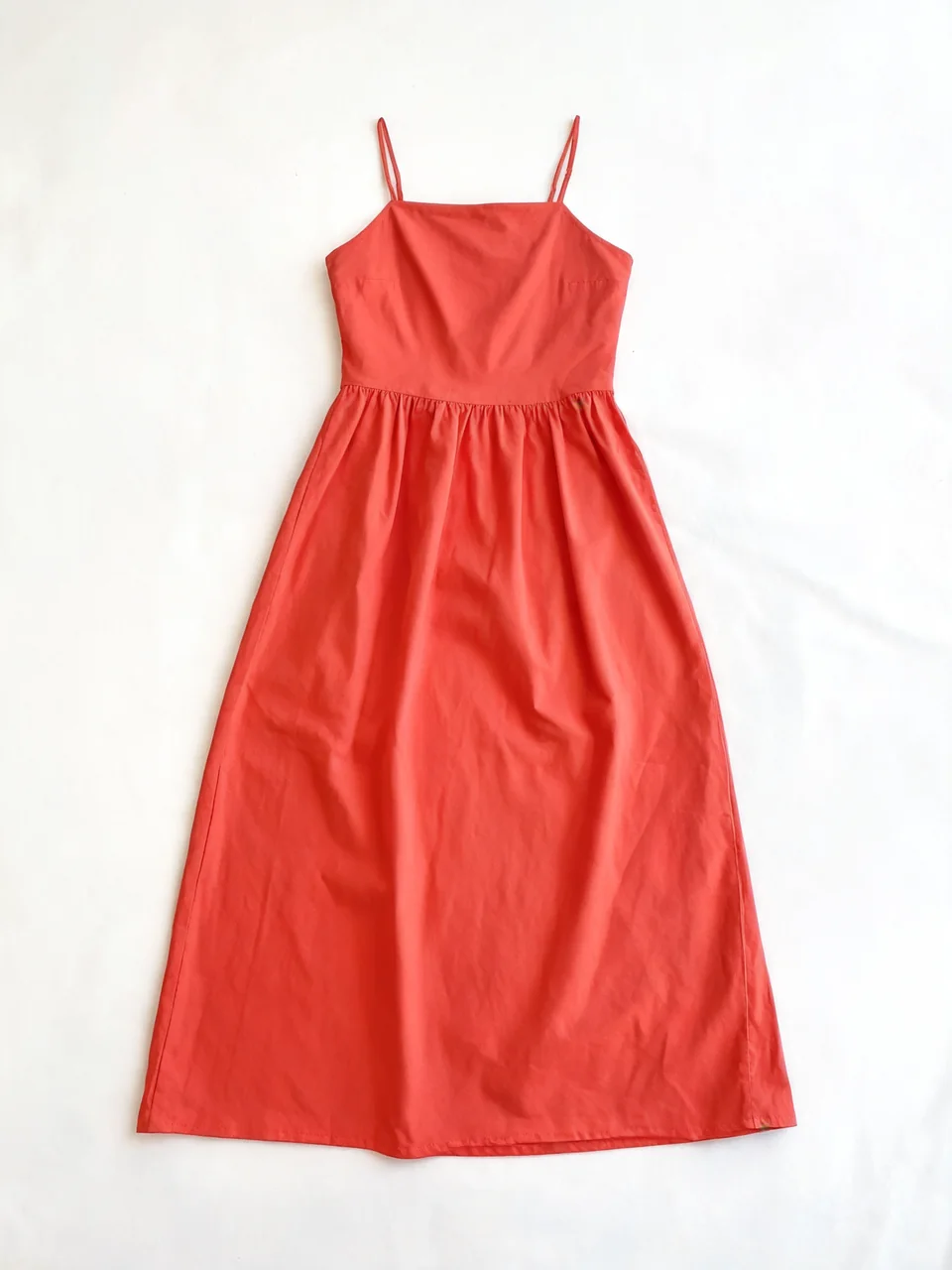
AI Fashion Models
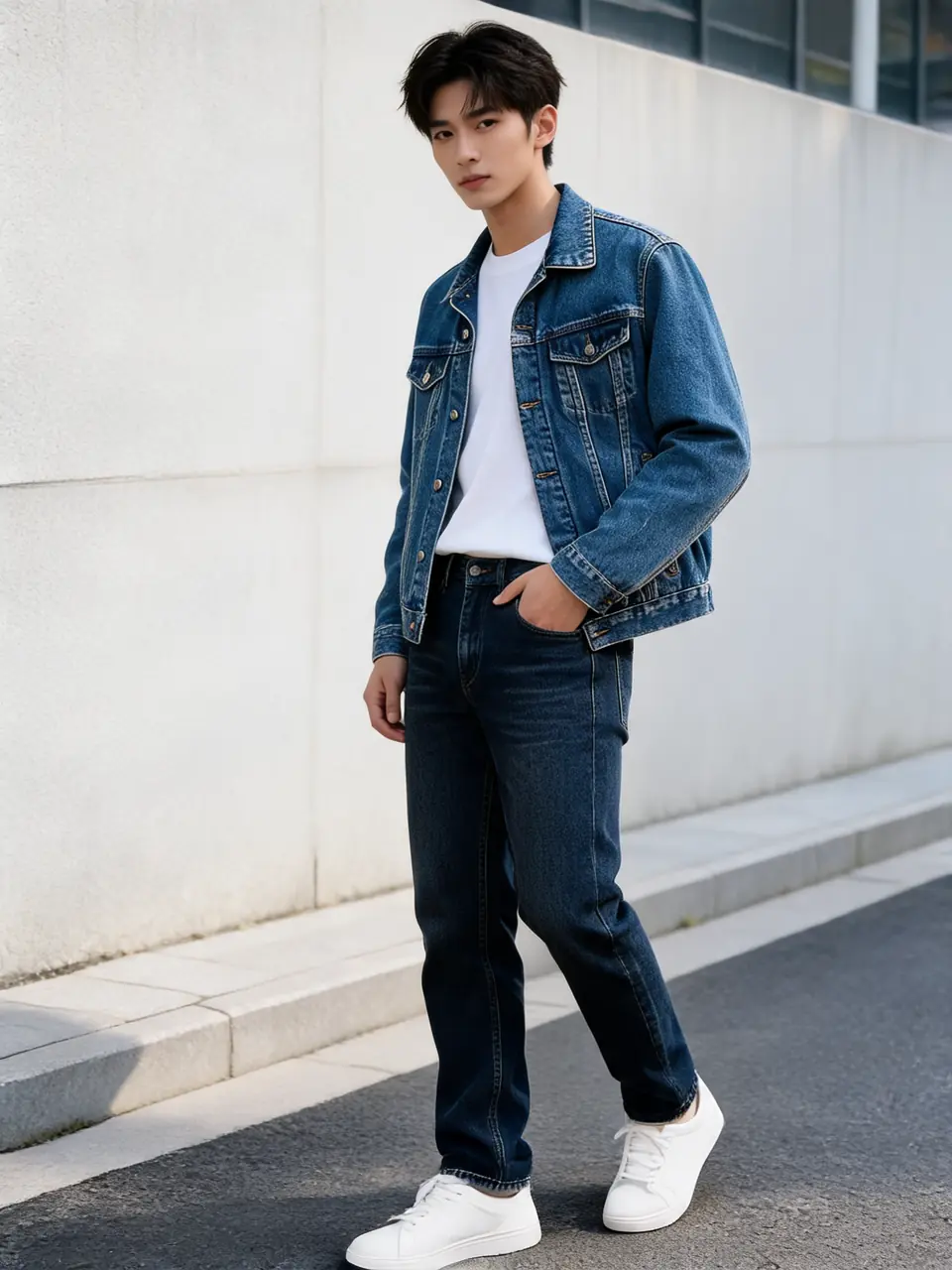
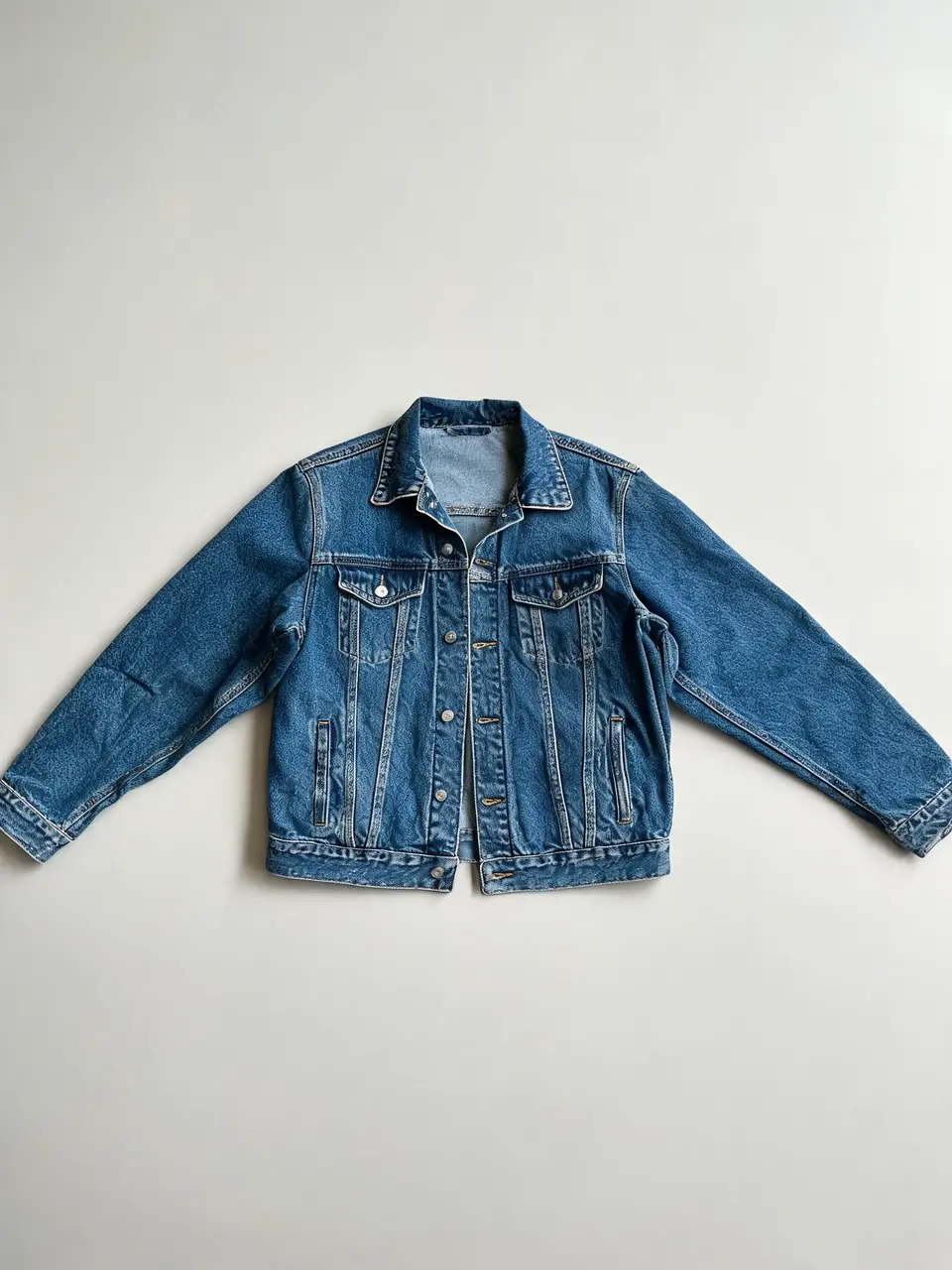
AI Fashion Models
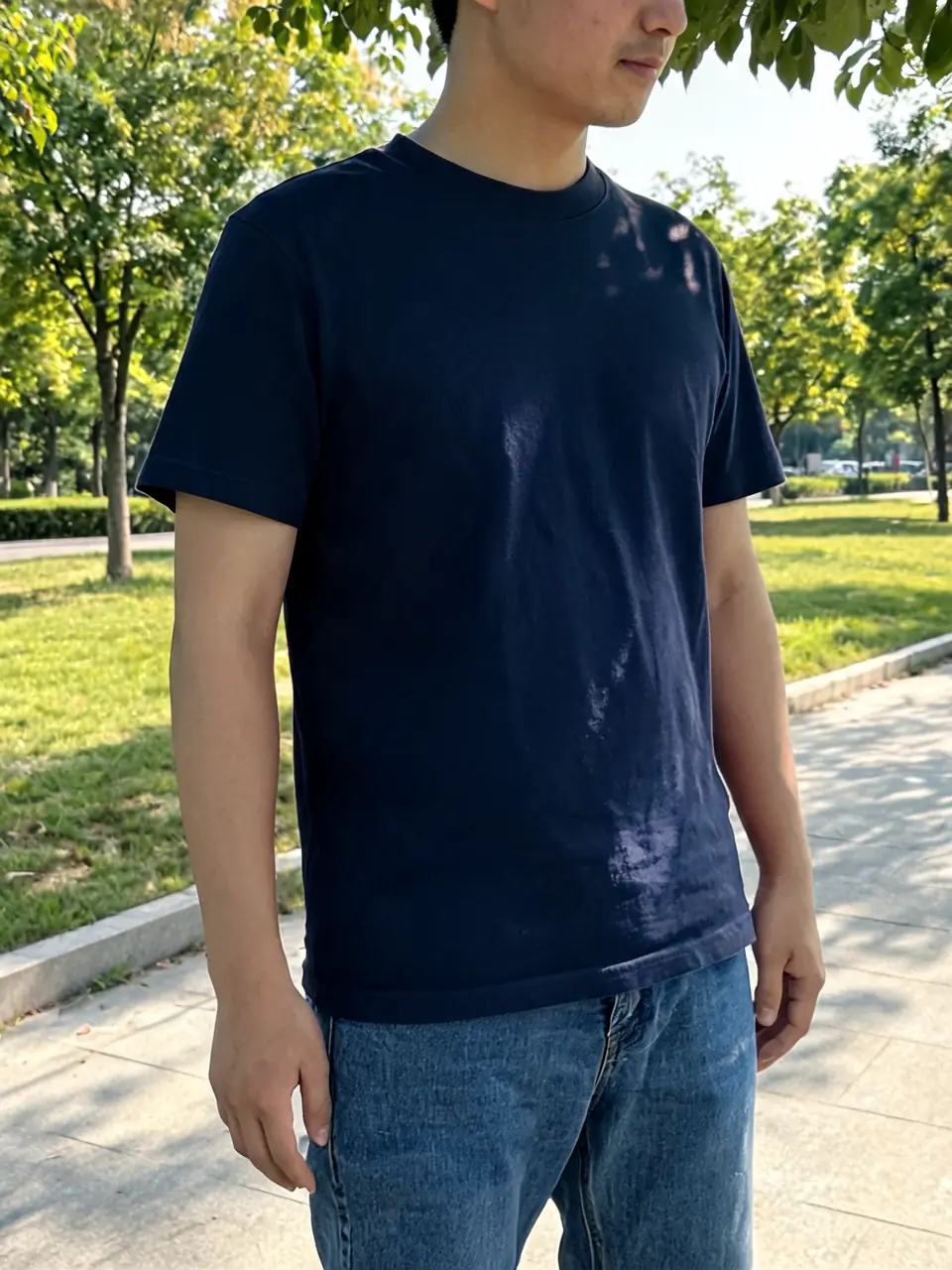
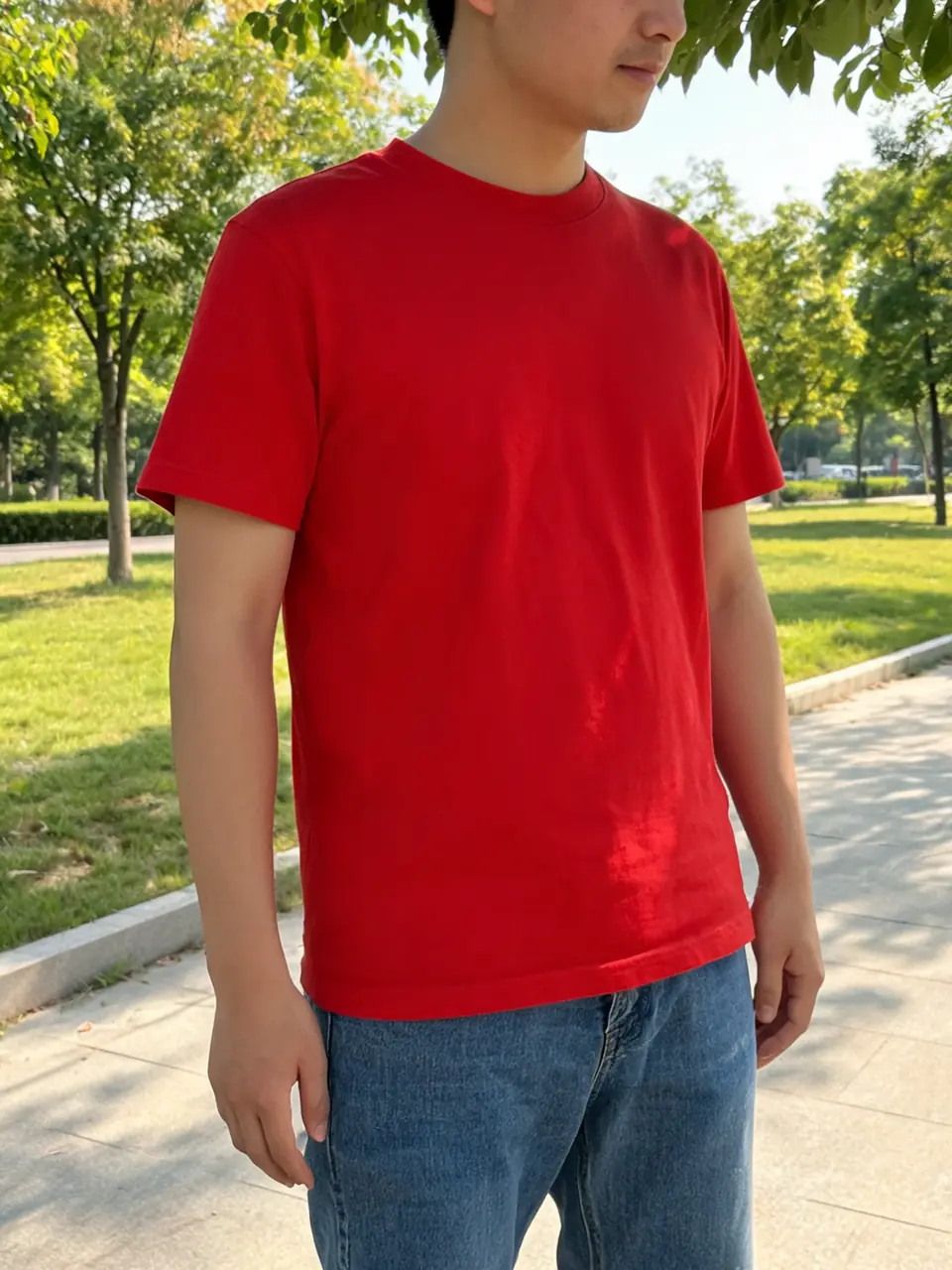
Clothing Color Changer
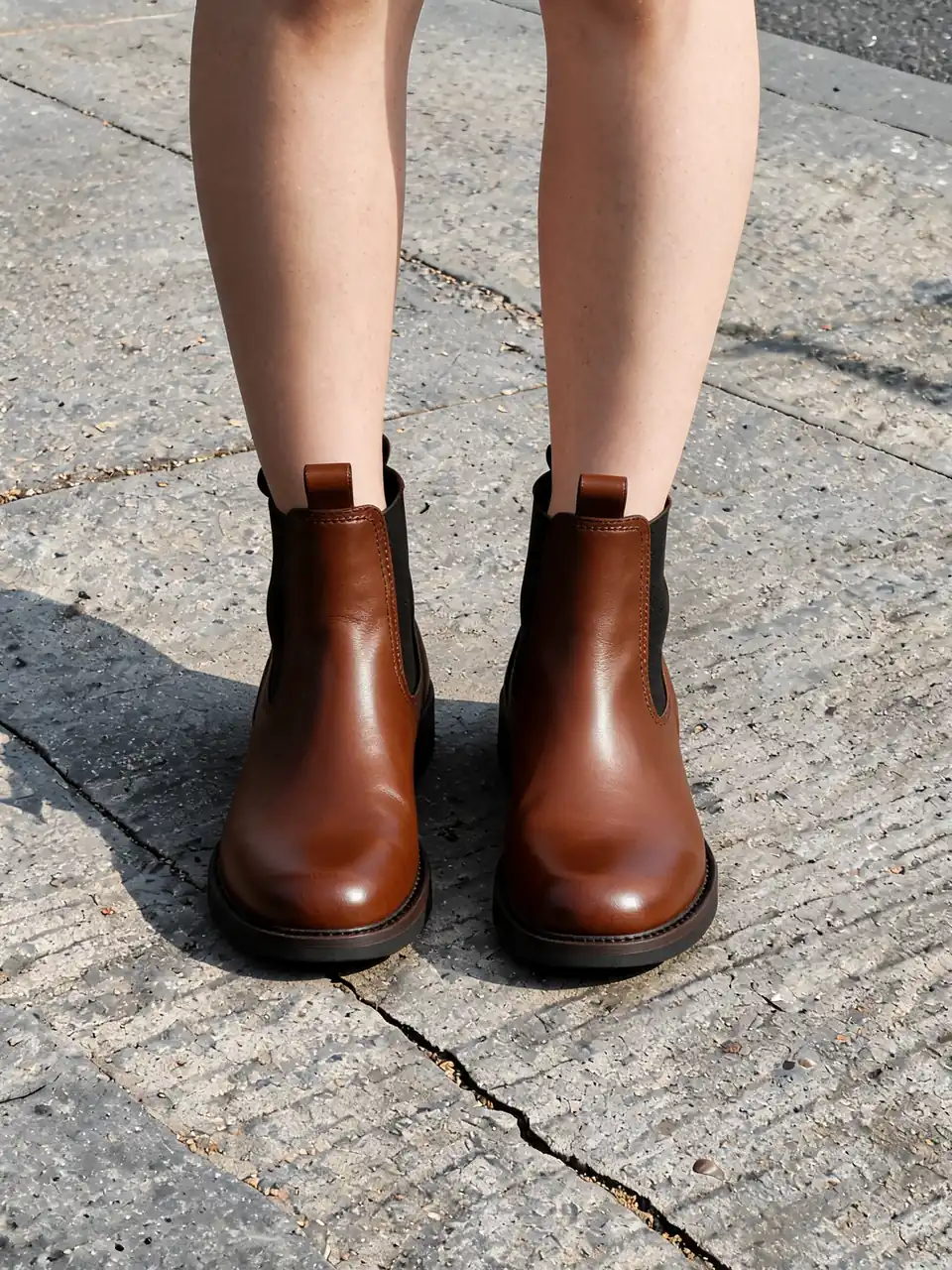
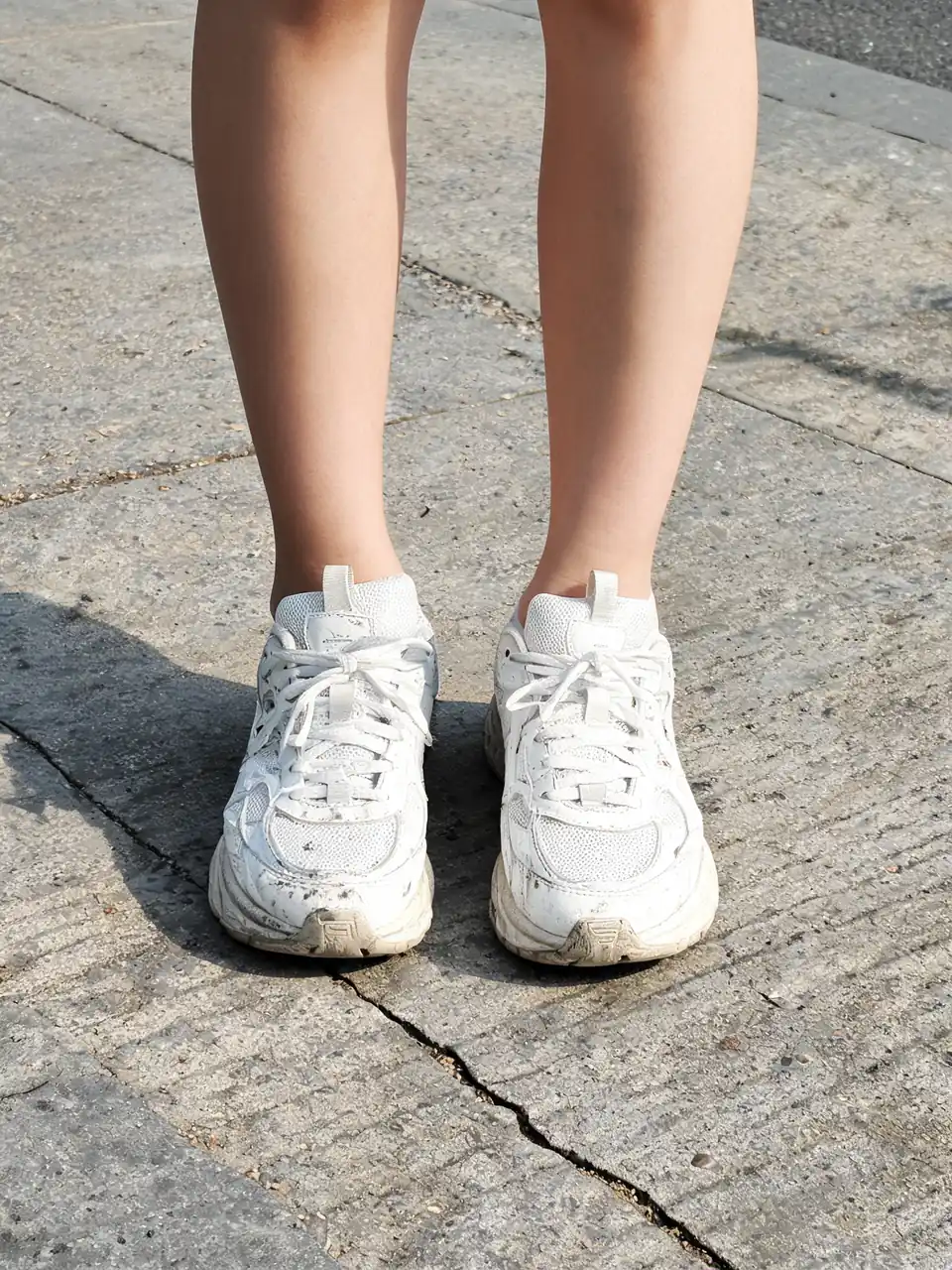
Footwear AI
Frequently asked questions
Can I use AI fashion models commercially?
Yes — images you generate are yours to use for product listings, lookbooks, social media and ads. The AI models are synthetic (not real people), so there is no model release to chase down.
Do I still need a real photoshoot?
For most catalog and listing photography, no — upload a flat-lay or product photo and the AI places it on a model or generates clean product shots. Brands still commission real shoots for hero campaign imagery, but AI fashion models cover the everyday catalog volume at a fraction of the cost and time.
How accurate is the garment fit and fabric detail?
The AI preserves the garment you upload — pattern, texture, color and structure carry over onto the model or product shot. Fit and drape are rendered realistically but are an AI interpretation, not a physical fitting; always check close-up details before using an image for a size guide.
What is virtual try-on and how is it different from a fashion model shot?
Virtual try-on places a specific garment onto an existing photo (yours or a model's), preserving the person's pose and identity. Fashion model generation creates the model itself wearing your garment from scratch. Use try-on when you want to keep a specific model or self-photo; use fashion models when you need a new model shot entirely.
Can I generate jewelry and footwear product photos, not just models?
Yes. The Jewelry Accessories and Footwear AI collections generate clean, catalog-style product photography without a model, alongside the on-model jewelry and footwear options if you want lifestyle-style shots instead.
Is it free to try?
Yes — signing up gives you 6 free credits, which covers two generations on our best image model. That is enough to see the real output quality on your own product photo before you decide. No credit card is needed to sign up.
Popular in Fashion Studio
Create your own AI tools & assistants
Describe what you need in plain English — AI Two builds a working tool with its own shareable page, live in about a minute. No code, no setup.
Part of the Community AI platform — create, discover, and share AI-powered tools