Upload an office photo, pick a mode, describe style and layout goals, and the AI generates an interior concept on your space in about 30 seconds.
AI Office Design
AI Office Design is a free AI tool. Upload an office photo and redesign it with AI — new layouts, desks, lighting and decor on your real space. Works for home offices too. Free to try.
Free to try · first generation free on signup · no credit card
1
Step 1
Upload Image
Start by uploading image
Upload a photo of your office
Click to browse or drag & drop
2
Step 2
Select Mode
Choose your transformation style
Restyle your whole office in a new design direction
3
Step 3
Options
Configure your options
Output quality:
Mode
Office Redesign
Your AI Design Will Appear Here
Fill in the options on the left, then press Generate.
I can edit images with your instructions. Estimated credits: 2.5.
Attach an image, video or voice clip, then tell the AI what to do with it.
Upload a photo of your office
A wide shot showing desks, walls and windows works best
JPG, PNG, WebP
Max 10MB
AI Ready
Popular in Home Design Studio
Paint My House AIExterior House Paint AIAI Kitchen DesignAI Bathroom DesignAI Bedroom DesignFree AI Architecture GeneratorAI Interior Design From a PhotoAI Landscaping DesignHome Color Combination AIAI Curb Appeal RaterAI Interior Design RaterAI House Style IdentifierAI Renovation Cost EstimatorAI Day to Dusk Photo EditingAI Declutter Room PhotosAI Home Addition VisualizerAI Home Design Tools Compared
Quick facts about AI Office Design
- Tool nameAI Office Design
- CategoryHome Design
- PriceFree to try
- InputPhoto upload + text prompt
- OutputAI-generated image
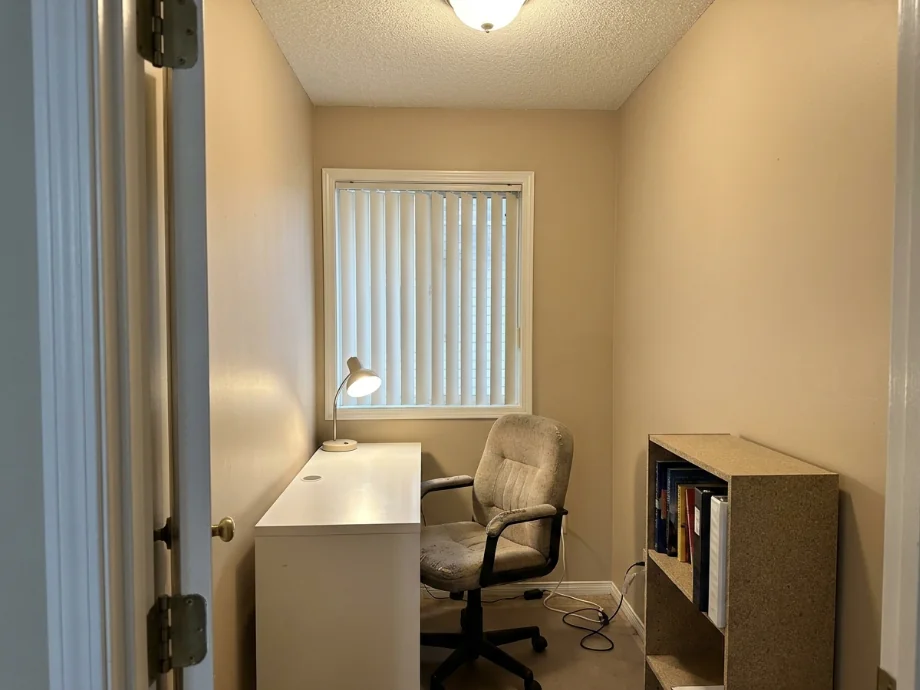
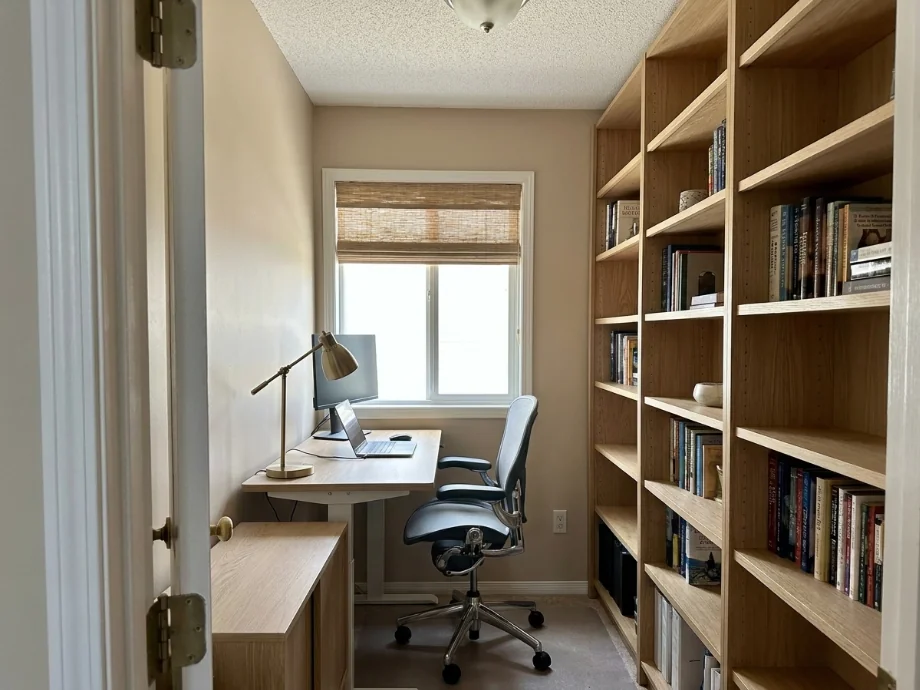
Upload an office photo and explore new layouts, furniture, and decor with AI in about 30 seconds. Plan a workspace refresh — or convert a spare room into a home office — without moving desks first.
Trusted by over 306,000 users in more than 190 countries.
How to use free AI office design
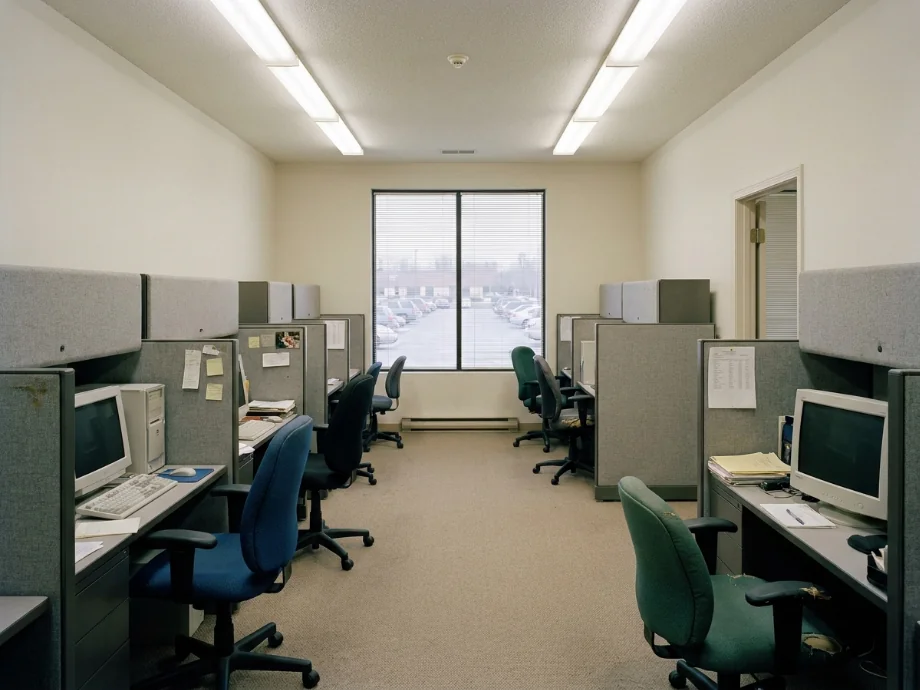
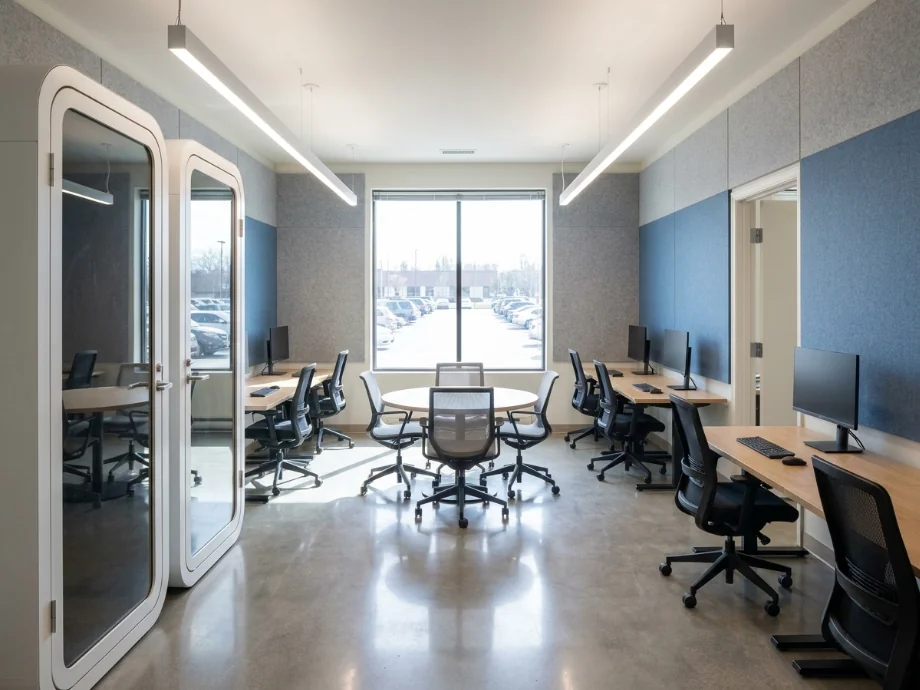
Teams use this when lease renewals or hybrid work policies force a layout rethink. You photograph the room, test furniture arrangements, and share a visual direction before buying panels and desks.
I mocked a hybrid office with more collaboration zones on our actual floor plate. Seeing circulation paths in the photo exposed one choke point we would have missed in a sketch.
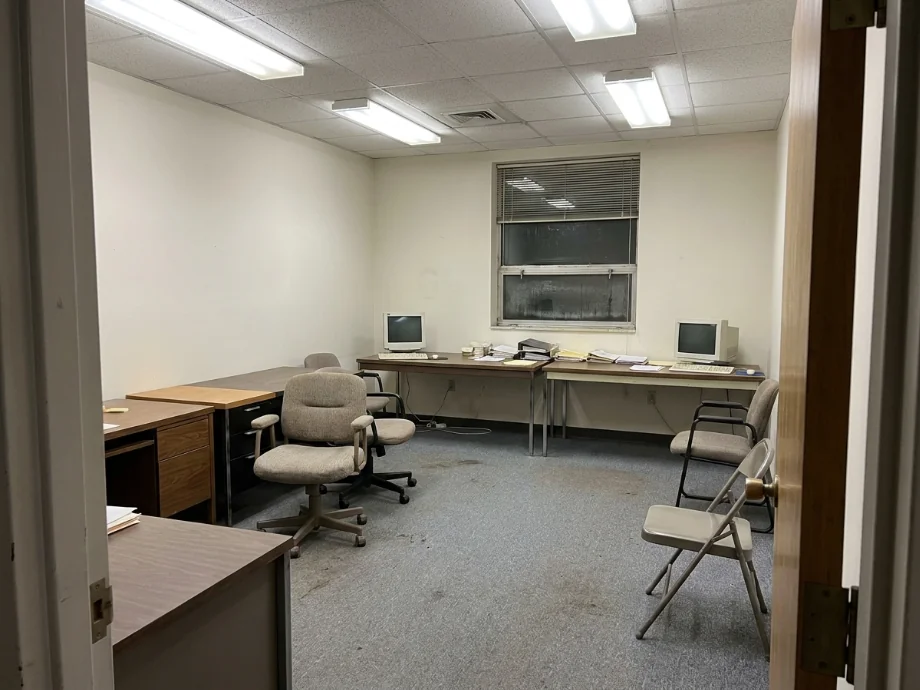
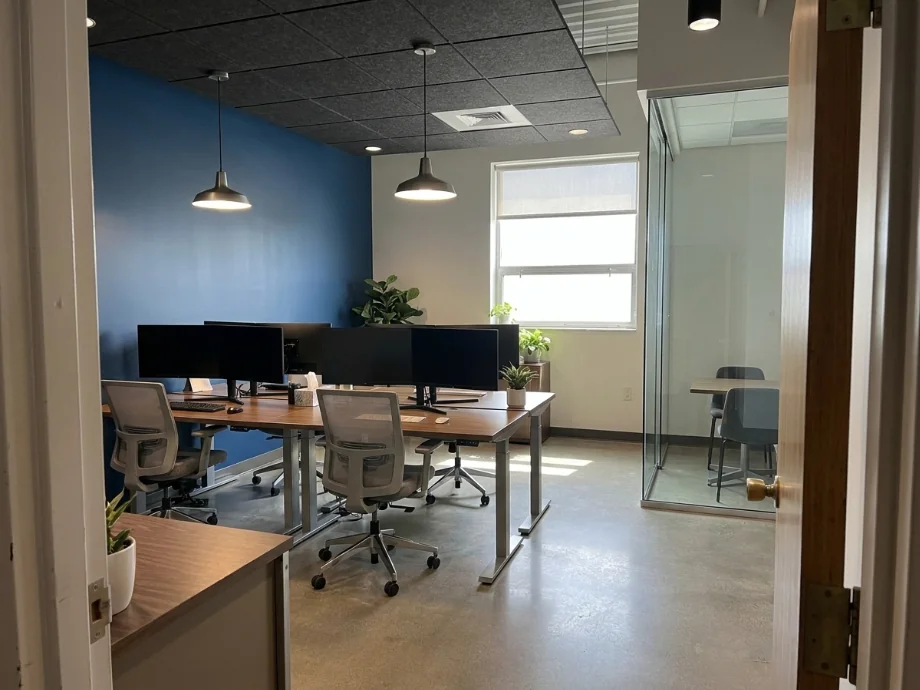
1
Upload an office photo
Wide shots that show desks, walls, and windows work best. Empty or occupied rooms both work for layout experiments. JPG, PNG, or WebP under 10MB.
2
Pick a mode
Restyle the full office, convert a spare room into a home office, replace the furniture, or update the walls and branding.
3
Generate and compare layouts
Download concepts for leadership review or your own shopping list. Run focused versus open layout briefs on the same photo.
What AI office design previews focus on
The goal is a clearer picture of flow, furniture density, and brand tone. Outputs support planning conversations, not permit submissions.
1
Layout and furniture
Test benching, private offices, phone booths, and meeting zones in your real footprint.
2
Light and atmosphere
Explore wall color, acoustic panels, and decor direction that matches your culture.
AI room design for any space, not just offices
This tool is part of a full AI room design suite. The same upload-and-generate flow works on every room in the house: kitchens, bathrooms, bedrooms, living rooms, dining rooms, garages, and more. If your office project is really a spare-bedroom conversion, you can approach it from either direction — restyle it as a bedroom, or run the home office conversion mode here.
AI room design works best when you give it a real photo rather than a description. The generator keeps your walls, windows, and proportions in place and changes furniture, surfaces, and lighting around them, so every concept is grounded in the room you actually have. Use the room links at the bottom of this page to jump to the dedicated tool for any other room.
1
One flow, every room
Upload a photo, pick a mode, generate. Each room page adds modes tuned to that room, but the core AI room design engine is the same.
2
Multi-room projects
Renovating more than one room? Run each room through its own page and keep the same style brief so the concepts stay consistent across the house.
Who uses AI office design tools
🏠
Startups and SMBs
✓Furnish new space with fewer layout mistakes.
✓Preview growth scenarios before signing leases.
💡
Remote workers
✓Convert a spare room into a home office visually before buying a desk.
✓Test video call backdrops and lighting on the real wall.
🏢
Facilities teams
✓Plan refreshes between quarters without physical mockups.
✓Share options with leadership quickly.
Office styles you can test on your photo
Run the same photo with different briefs to see which direction fits your team and your space. Five styles tend to work well for offices.
| Style | What it looks like |
|---|---|
| Open benching | Long shared desks, ergonomic task chairs, and phone booths along one wall. |
| Hotel desk hybrid | Unassigned desks with monitors, a few huddle rooms, and a large collaboration zone. |
| Private offices | Glass front offices around the perimeter, shared meeting rooms in the core. |
| Resimercial | Warm wood tones, residential style seating, area rugs, and soft pendant lighting. |
| Minimal tech | White desks, black chairs, concrete floors, and acoustic felt panels. |
From AI preview to real office buildout
Once you have a concept you like, the next step is turning it into a real plan. Download the image and note the desk type, partition style, and lighting direction the AI used.
Bring the image and your notes to a furniture dealer and a general contractor. They can tell you which desks are in stock and which walls need a permit. Most office desks ship in 2 to 6 weeks, so order early if you have a move in date.
1
Check your floor plate
Get the CAD file from your landlord if possible. Measure column spacing and window mullions before you commit to a desk layout.
2
Plan for power and data
Each desk needs two outlets and one data drop minimum. Floor outlets cost more than ceiling drops but look cleaner.
AI design tools for every room
AI Kitchen DesignAI Bathroom DesignAI Bedroom DesignAI Living Room DesignAI Dining Room DesignAI Garage DesignAI Gaming Room DesignAI Home Theater DesignAI Laundry Room DesignAI Home Library DesignAI Study Room DesignAI Loft DesignAI Sunroom DesignAI Porch DesignRoom Interior AI — every roomAI House DesignAI House Painter
💼
AI Office Design
Upload your imageTap anywhere here — your AI design will appear in this space after you generate.JPG · PNG · WebP
Restyle your whole office in a new design direction
Premium users can generate images without watermark
Higher quality options available for premium users
Output quality:
Frequently Asked Questions
Yes. Small study and spare room photos work the same way as corporate floors, and the home office conversion mode is built exactly for turning a spare room into a workspace.
Yes. The same AI room design flow has dedicated pages for kitchens, bathrooms, bedrooms, living rooms, dining rooms, garages, and more — see the room links at the bottom of this page.
Yes — sign up free — your first generation on the best model is included, no credit card needed. Paid options add more generations and higher resolution exports.
Yes. Describe collaboration zones, focus areas, and desk density in your brief to test hybrid configurations.
Mention team size, meeting needs, brand colors, and furniture style. Specific briefs produce more usable layouts.
The AI keeps your floor proportions but does not count exact desks. Treat the preview as a concept. Confirm counts with a furniture dealer before ordering.
Most cities require a permit for new walls, doors, or electrical work. Furniture only refreshes usually do not. Check with your landlord and local building department.